Source Materials
Voice reference
Generation
Generated result
The rewritten video generated from the source clip, cloned voice, and replacement script.
Upload a face video, type the new line, and replace speech with lip sync tuned for existing footage.

Recent Generations
Source Materials
Voice reference
Generation
Generated result
The rewritten video generated from the source clip, cloned voice, and replacement script.

Dub an existing video into another language with reviewed translation and AI lip sync. Follow a real English-to-Spanish example with its source clip, prepared Spanish audio, and unedited result.

Lip sync a face video to new audio online with a fast, accuracy-focused workflow. Inspect the exact consonant test, unedited result, and test method.
Swap in a new script while keeping the original framing, timing, and on-camera performance.
Skip timeline-heavy dubbing work when you only need a new line for the same face video.
Great for localization, line updates, retakes, and quick creative variations.
Add an MP4, MOV, or WebM clip with one clearly visible speaking face — a past recording, a UGC clip, or an avatar render.
Write the replacement dialogue. Free accounts support 133 characters; Starter raises the limit to 800 and Pro to 16,000.
Pick a preset voice or clone the original speaker's voice from a short sample so the retake sounds natural.
The engine re-syncs the lips to the new script and renders a watermark-free video — no reshoot required.
Correct a wrong price, name, or date in an existing video by typing the fixed line instead of re-filming the whole take.
Keep product demos and onboarding videos current when features change — swap the outdated sentences and keep the footage.
Deliver the same presenter video in other languages by re-scripting it with a translated script and a matching voice.
Produce several versions of one ad with different hooks or CTAs from a single recording session.
Every FreeLipSync tool runs on the same engine — pick the workflow that matches your input.
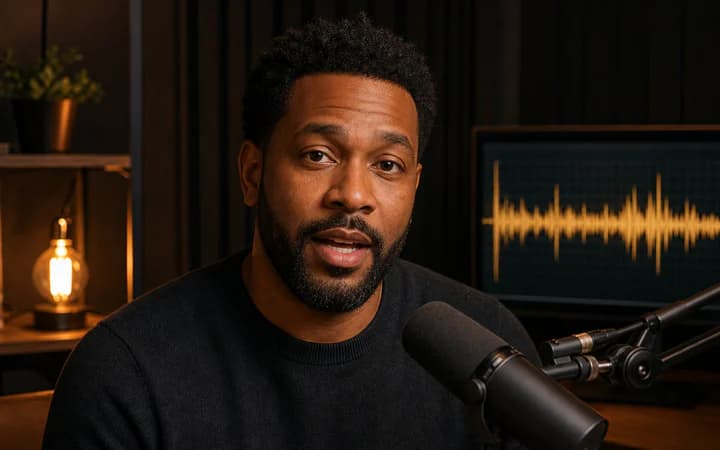
Upload a face video, add an audio file or recording, and sync the mouth movements to the new performance.
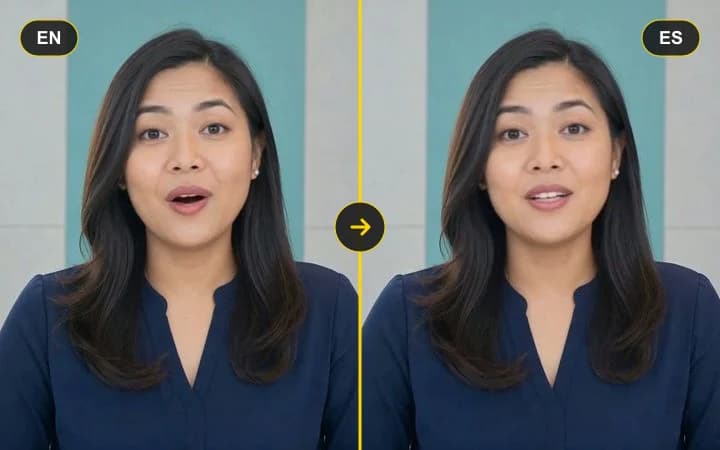
Upload a talking video, then paste translated text or add dubbed audio to re-sync the lips to the new language.
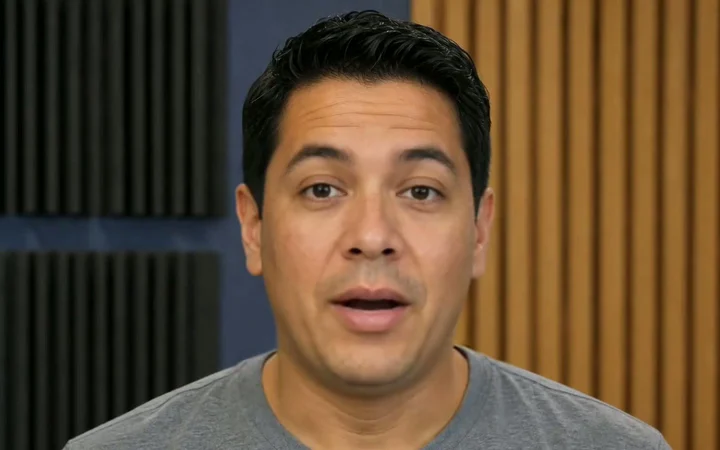
Upload a face video, use text or audio, and run a fast-to-start, accuracy-focused lip-sync workflow with sharp mouth detail — no local setup.
Upload a face photo, type a script, and turn it into a talking video with a focused lip-sync workflow.